A library with more than files
Upload a still or a video, paste a picture link, write a slide, drop in YouTube, pin a clock, or run a scrolling notice.
Digital signage
Pulse 360 Signage turns the TVs you already own into a network. Build a playlist, pair the screen with a code, and change what plays without walking back to the shop floor.
The desk
The same three moves, whether you have a lobby television or a row of menu boards.
Upload a still or a video, paste a picture link, write a slide, drop in YouTube, pin a clock, or run a scrolling notice.
Set the seconds. Move items up or down. One playlist can feed one screen or many.
Breakfast, the lunch rush, and the evening close can each have their own loop. An overnight window runs through midnight.
A screen with the player open checks in. The desk marks it online, and a quiet screen shows the last time it was seen.
01
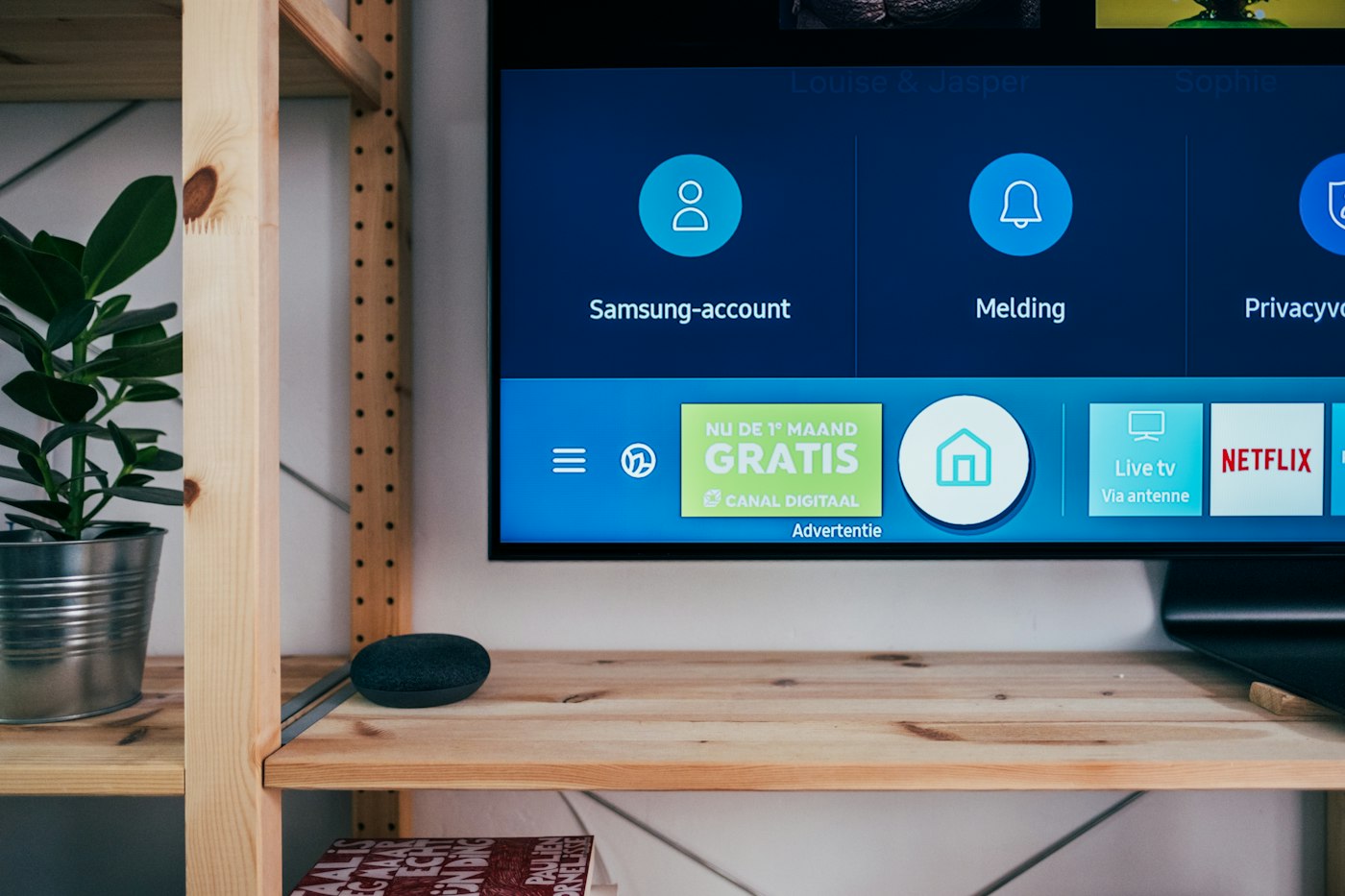
Any browser can do it. The screen shows a short code.
02
Name the screen and give it a playlist. The browser switches to the player and fills the window.
03
Edit the playlist. The screen picks up the change while the player stays open.
Library
Rooms it fits
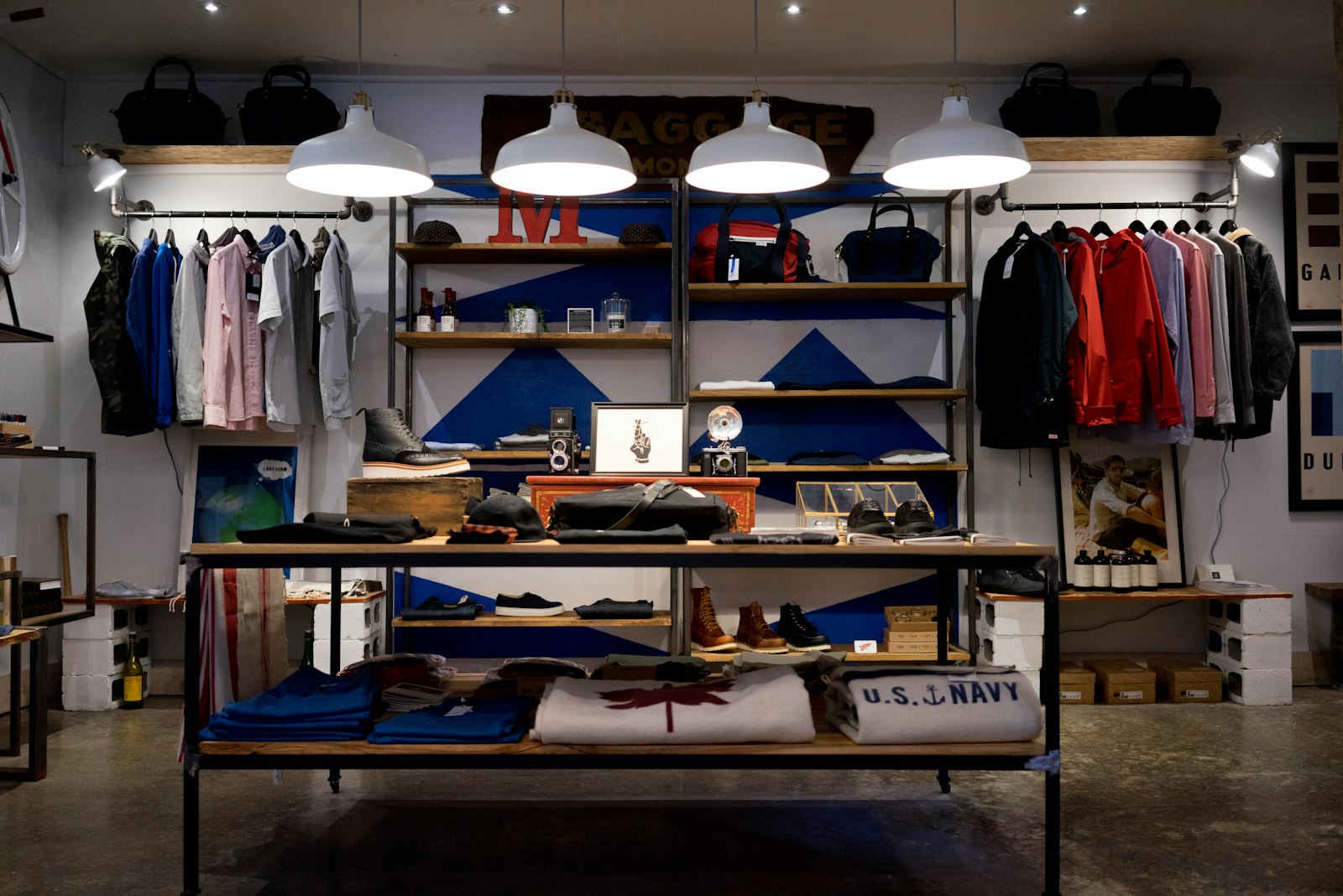
Offers on the glass, changed when the price changes.
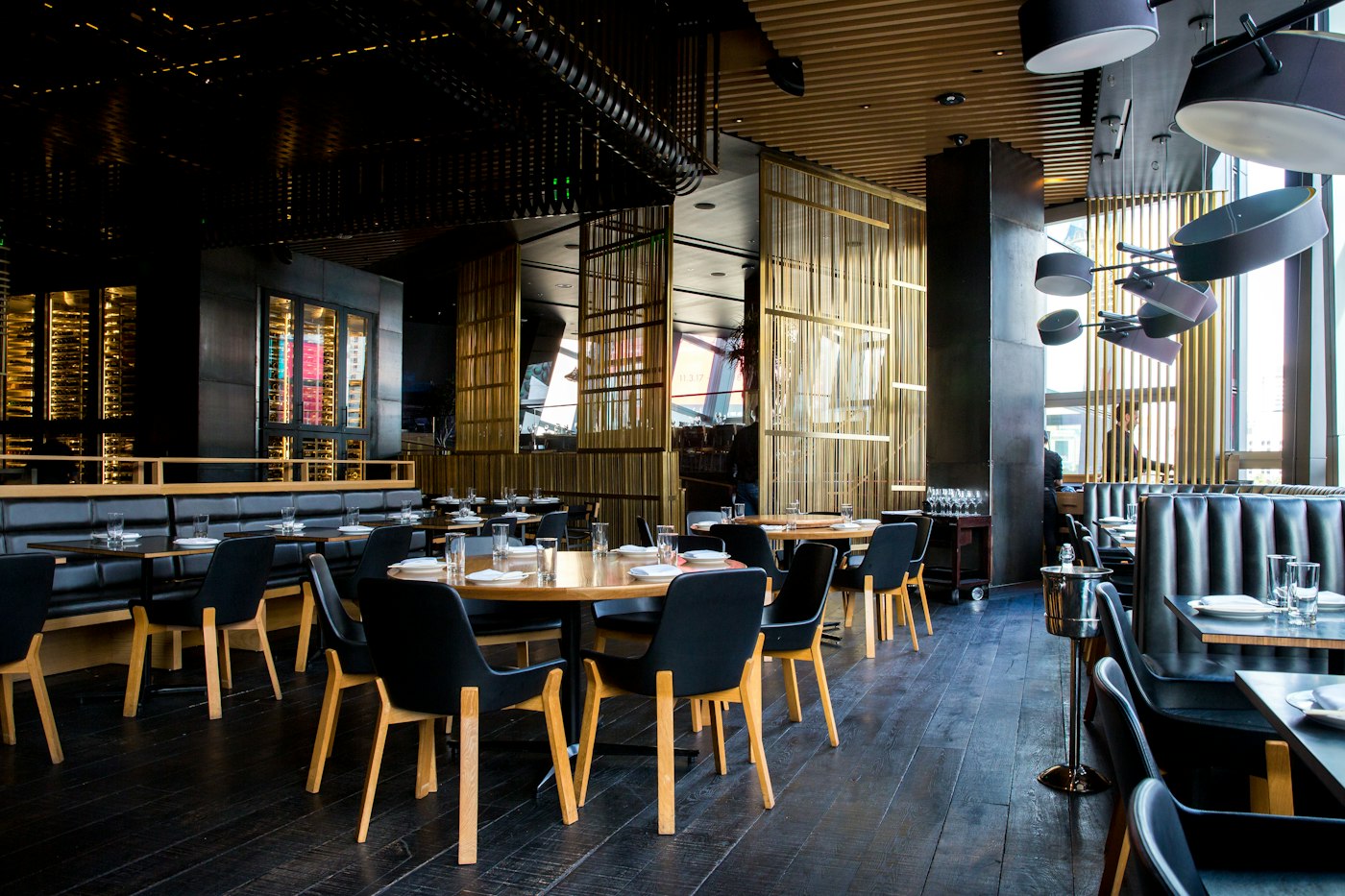
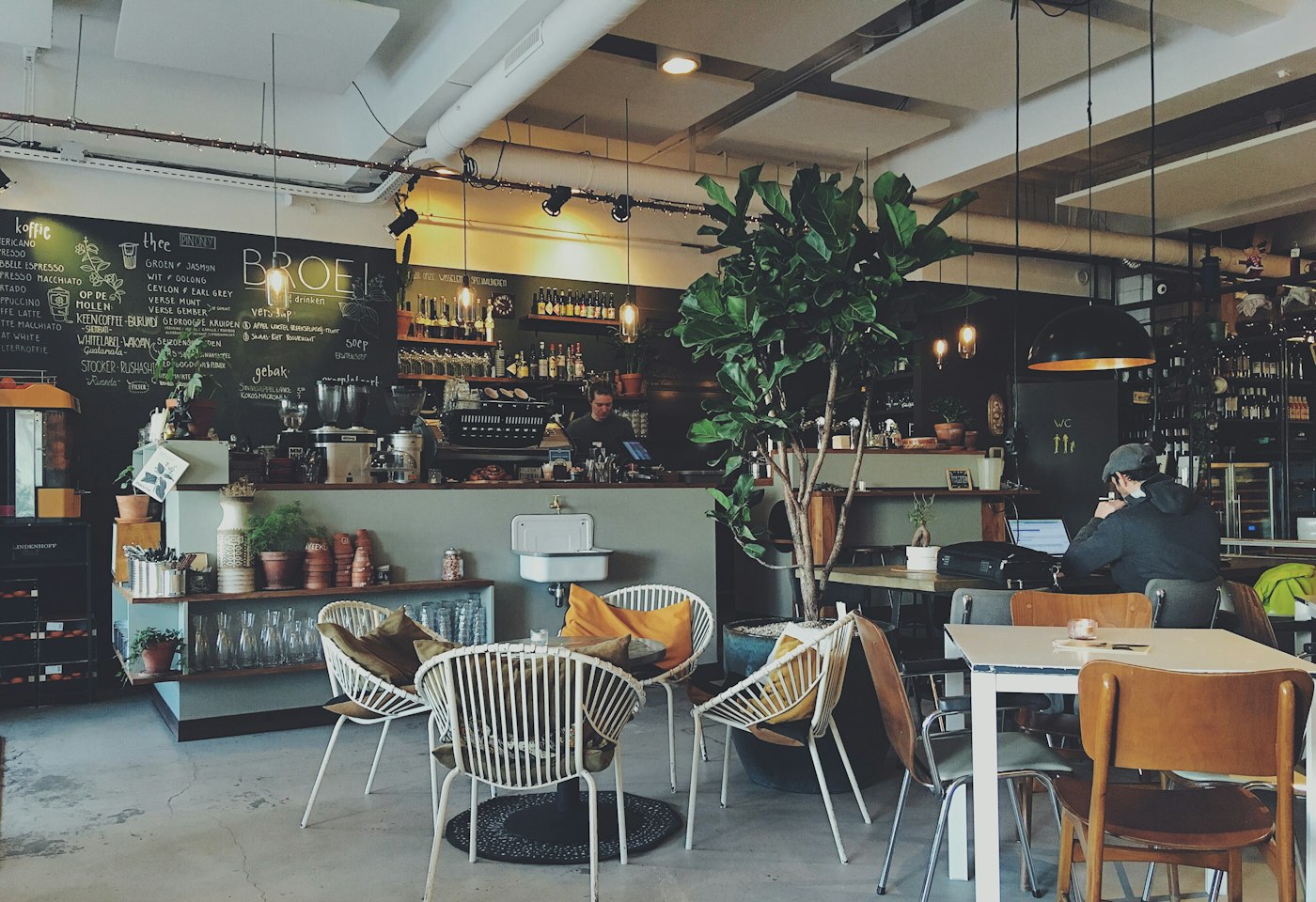
A menu board that follows the hour, not a reprinted sheet.
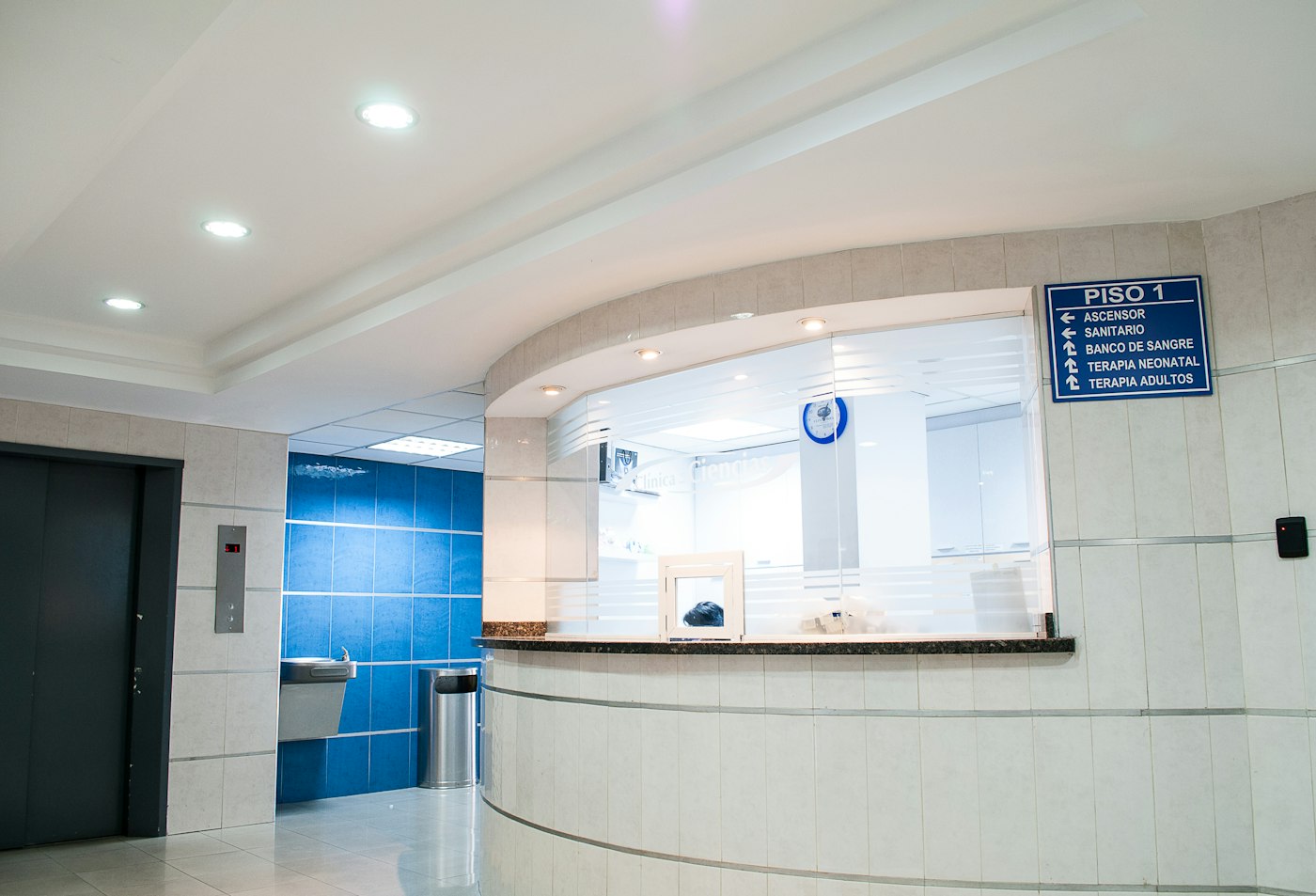
Waiting-room notices and a clock, from the front desk.
Lobby welcomes and meeting-room slides on the televisions already on the wall.

Bell times, events, and a scrolling notice in the corridor.
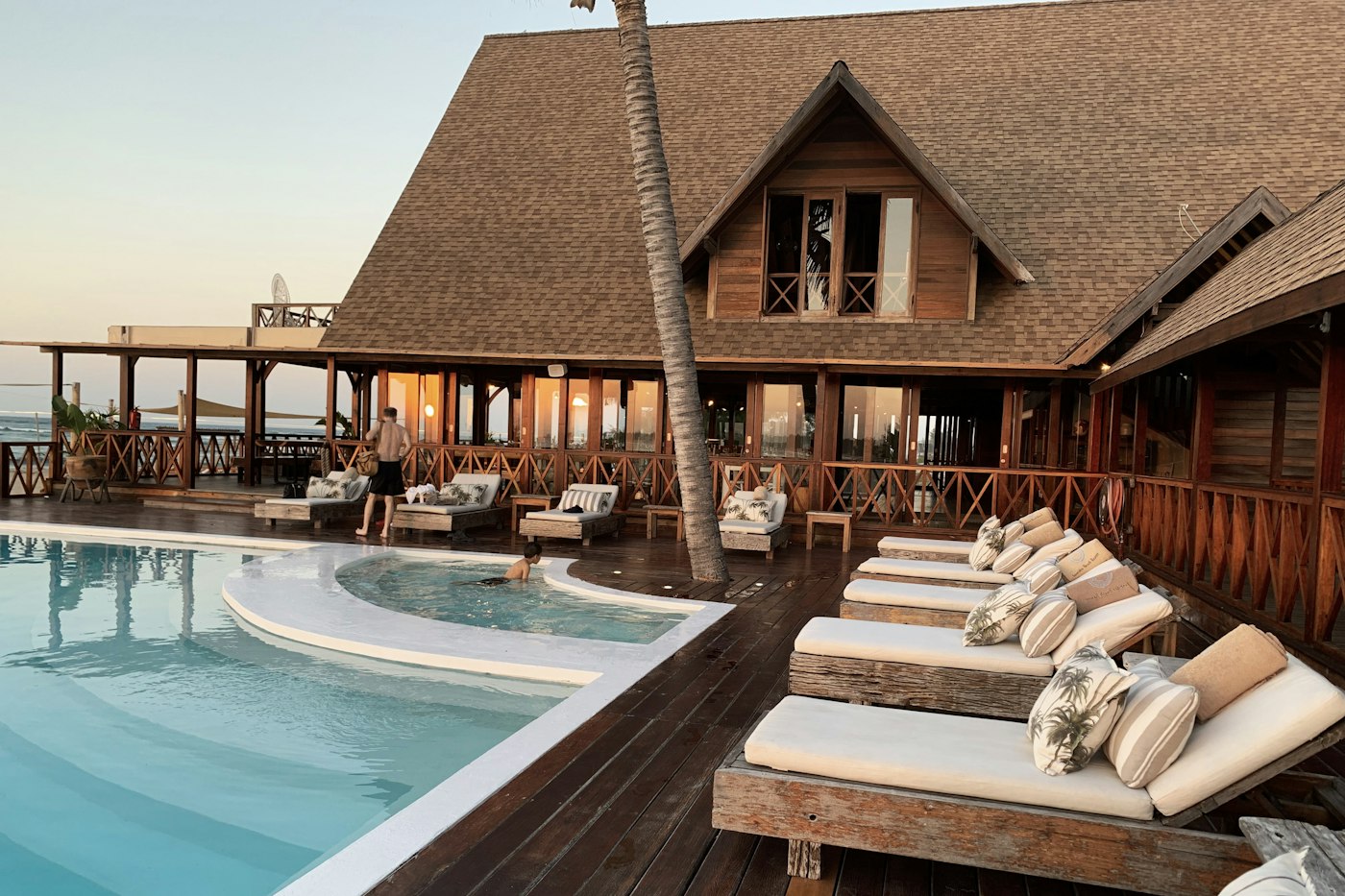
Breakfast hours in the lobby, then the evening board after four.
Players
Open the pair page, enter the code, and leave that browser running. Commercial displays can launch the same address when they power on.
Plans
Move up by talking to Pulse 360. These are the list prices we invoice.
Free for 14 days
3 screens
500 MB
No remote camera
Pair a few screens and learn the desk before you commit.
₹4,999 a month
10 screens
5 GB
1 hour of remote camera a month
A shop, a clinic, or a small office network.
₹14,999 a month
40 screens
25 GB
8 hours of remote camera a month
Many locations, one playlist library.
Talk to us
Custom screen count
Custom storage
8 hours of remote camera a month
A private limit, a rollout, and someone on the phone.
Questions
Nothing from an app store. Open the pair page in the TV browser. After you claim the code, that browser becomes the player.
The player fills the browser window. Hide the address bar with the TV browser full-screen control, a kiosk browser on Android or Fire TV, or the URL launcher on a commercial Samsung or LG display.
JPEG, PNG, WebP, GIF, and MP4 files, a picture hosted elsewhere, text slides, web pages, YouTube links, a clock, a scrolling notice, a Zoom meeting, a Teams meeting, the camera on the player, and a remote camera. A remote camera is sent through Ant Media Community Edition, so a webcam in one city can play on a screen in another. Starter includes 1 hour of remote camera a month. Growth and Enterprise include 8 hours of remote camera a month. Zoom and Teams use the key and user id saved for that account. Each playlist item has its own number of seconds.
The trial runs for fourteen days and includes 3 screens and 500 MB. Picture links, text, YouTube, clocks, and notices do not use that storage.
Call +91 9211682404 or email hello@pulse360communications.com. The plan changes when the invoice is paid. Card checkout is not on this desk yet.