Choose the screen
Pair the television and assign the playlist that should play when a slot is not booked.
Product
A screen can keep your own playlist and also carry a slot you offer to someone else. You choose the price, the hours, and whether to accept the request.
Pair the television and assign the playlist that should play when a slot is not booked.
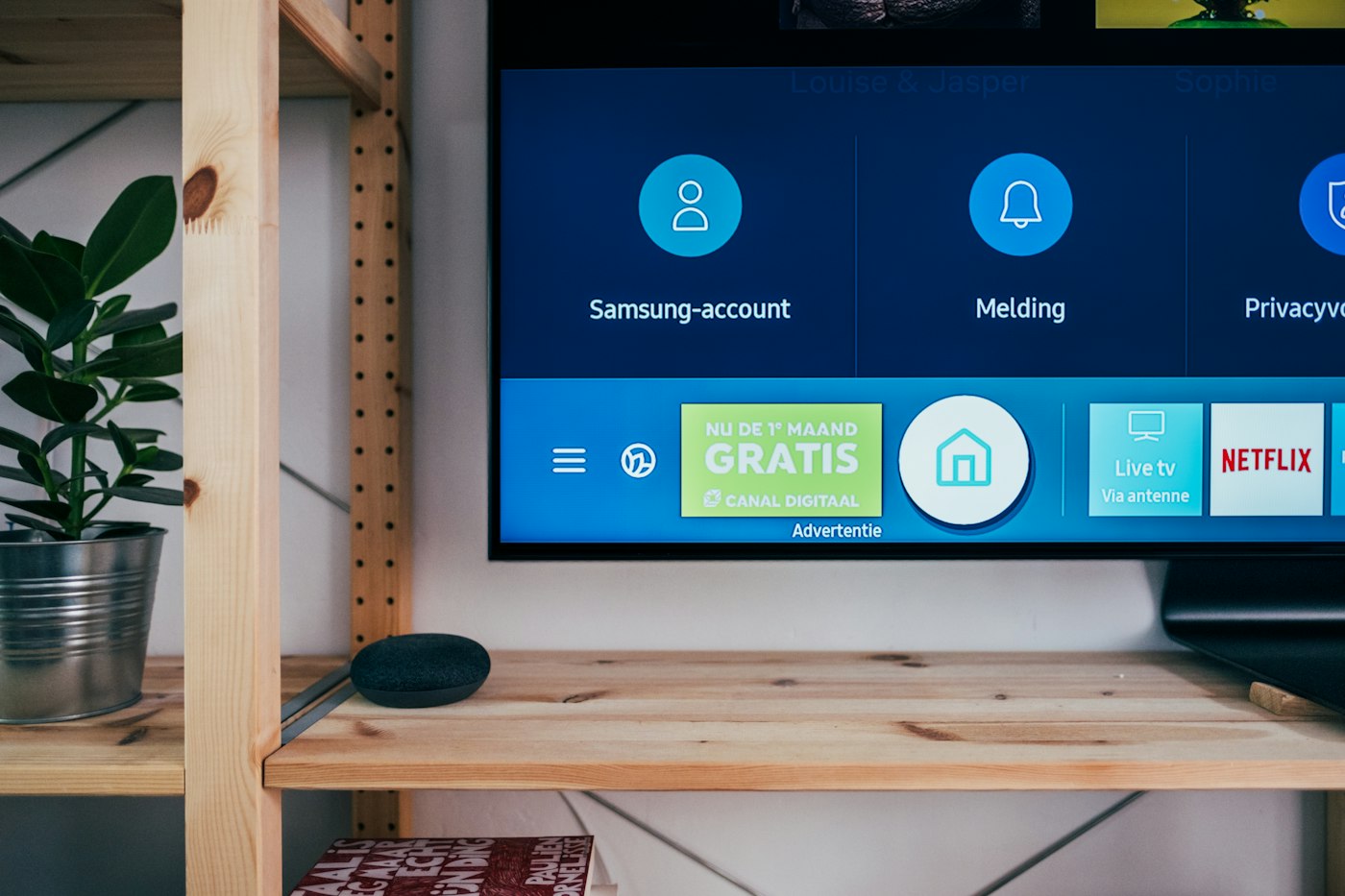
Set the hours and the price on that screen. The price is in rupees, chosen by you.
When a request arrives, you accept or decline it. The desk does not take the payment.
Retail media slots are priced by the account that owns the screen. The desk does not publish a rate card for you.
The screen page can show what played. That is a playback record, not a count of people who looked at it.
A request sits until you accept it. Accepting it does not charge a card. You invoice outside the desk if you charge at all.
A slot has hours. Outside those hours the screen plays the playlist you assigned.
You do. The desk stores the price you enter for that slot. It does not suggest a market rate.
No. A booking request is a request. Payment, if you charge, happens outside the desk.
Yes. The screen page keeps a playback record. It does not count how many people looked at the screen unless you turn on audience sensing for that screen.
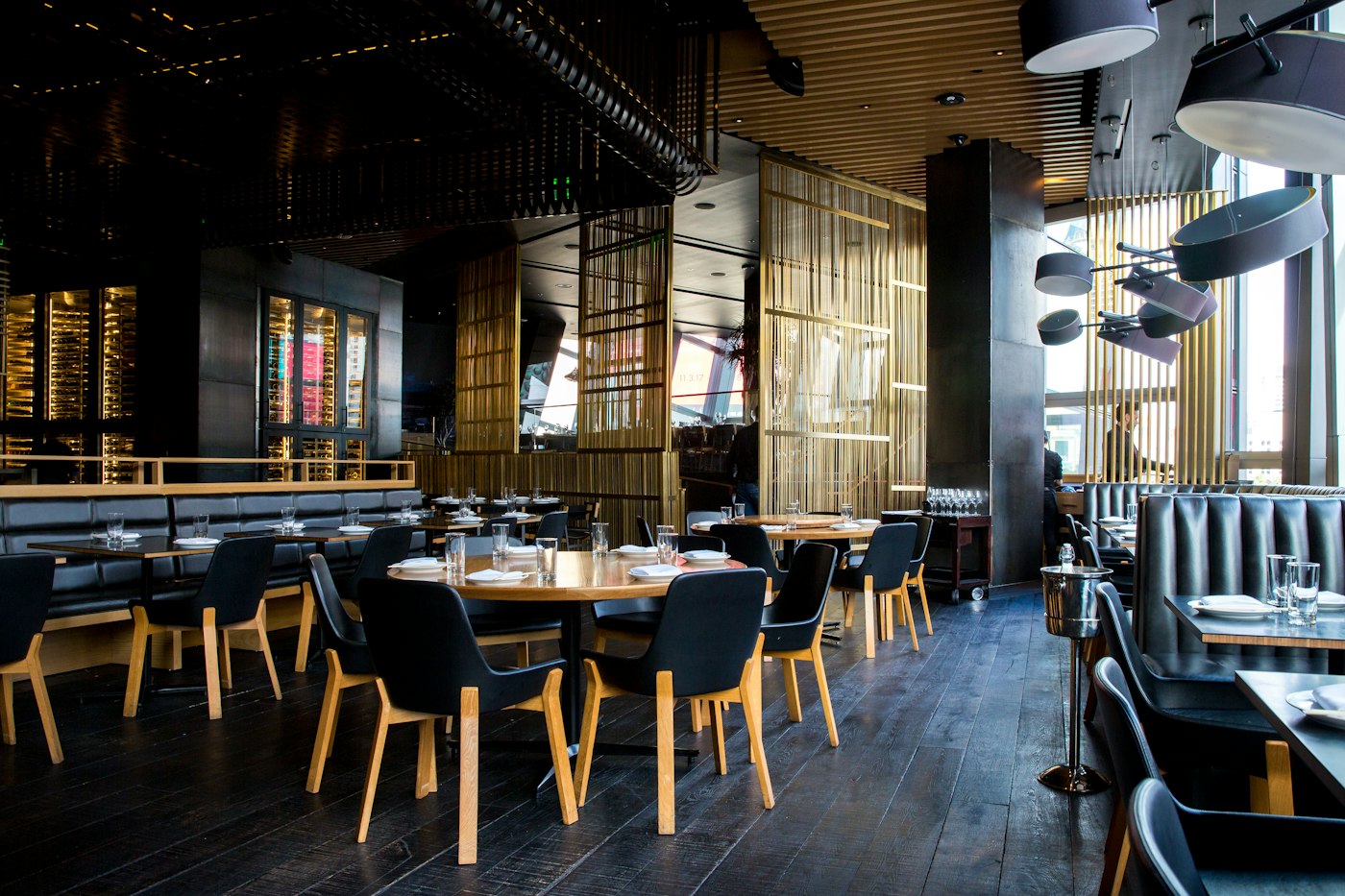
Show the dishes, the prices, and the meal that matches the hour. When a price changes, you change it on the desk and the paired screens follow.
A display board is a playlist of the pictures, videos, and layouts you put in the library. The screen you already own plays that list.

Put a short line on the screen, or a longer note as a text slide. An emergency line can sit over the playlist. People still read it on the screen you placed there.
The desk is where you add files, build playlists, pair screens, and see whether a screen has checked in. The television only plays what you assigned.
The player opens the pair page, shows a code, and stays on the screen after you claim it. The desk address is already filled in. You do not type a device name.