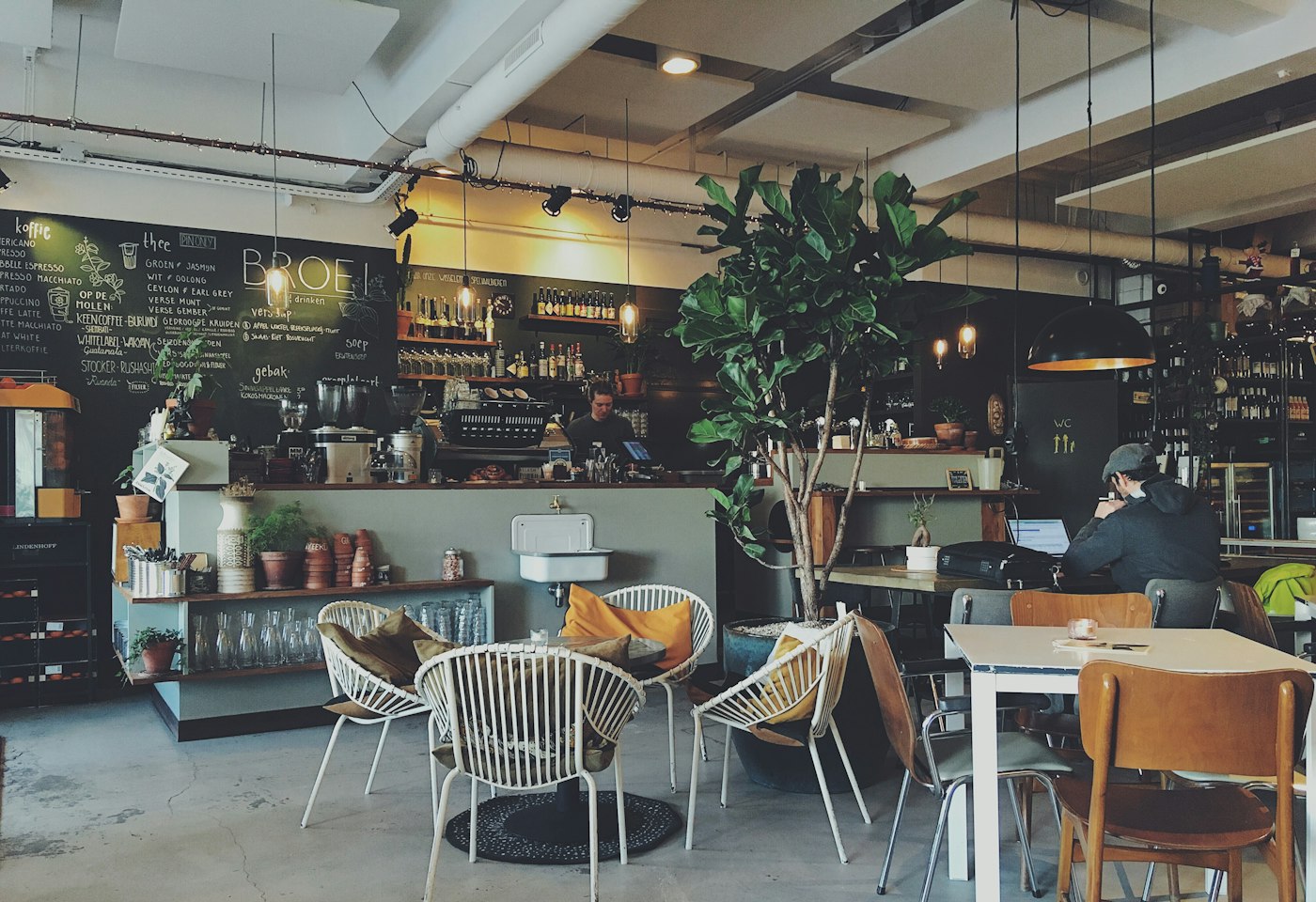
Add the files
Upload the pictures and videos, or link a picture that is already on the web.
Product
A display board is a playlist of the pictures, videos, and layouts you put in the library. The screen you already own plays that list.
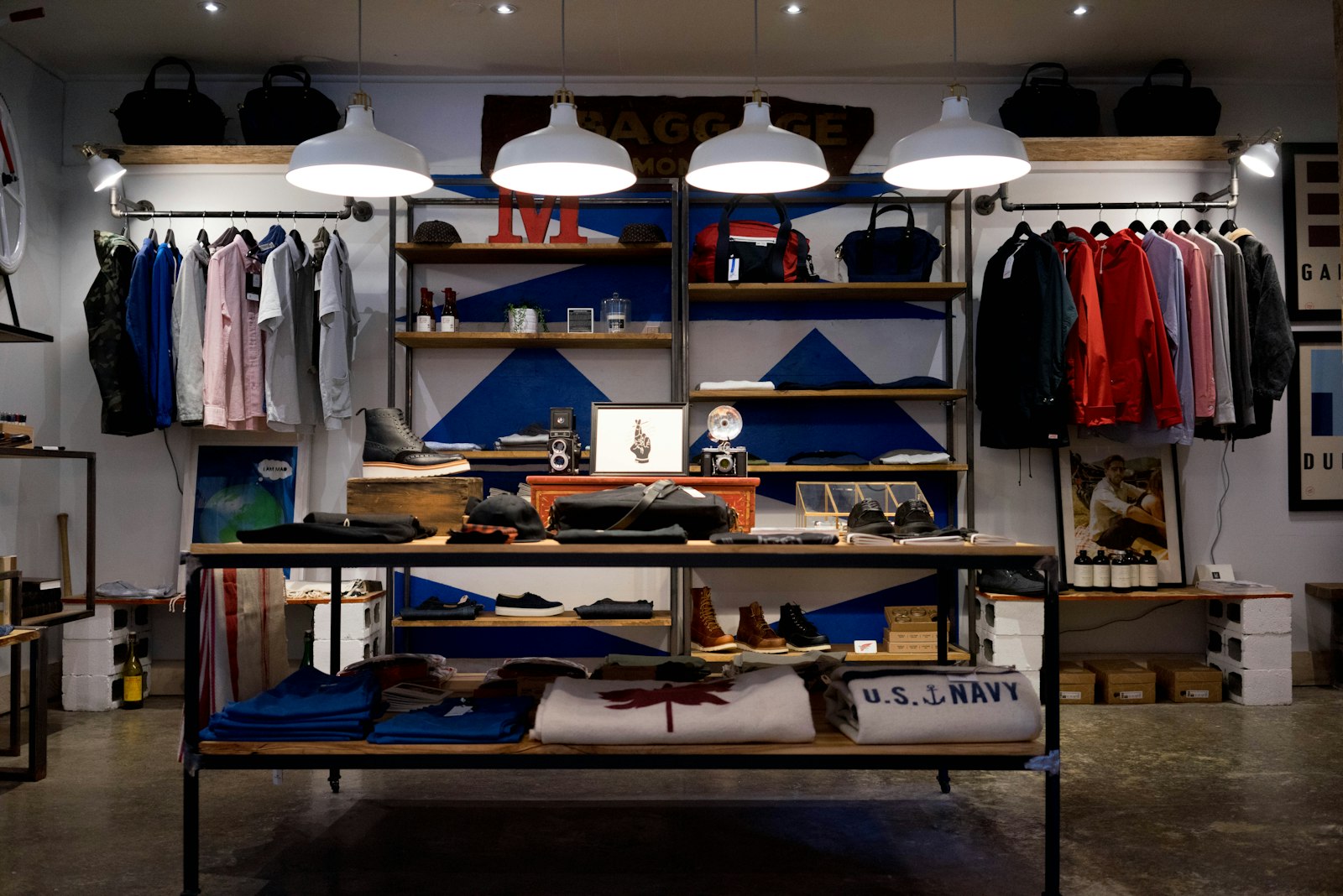
Upload the pictures and videos, or link a picture that is already on the web.
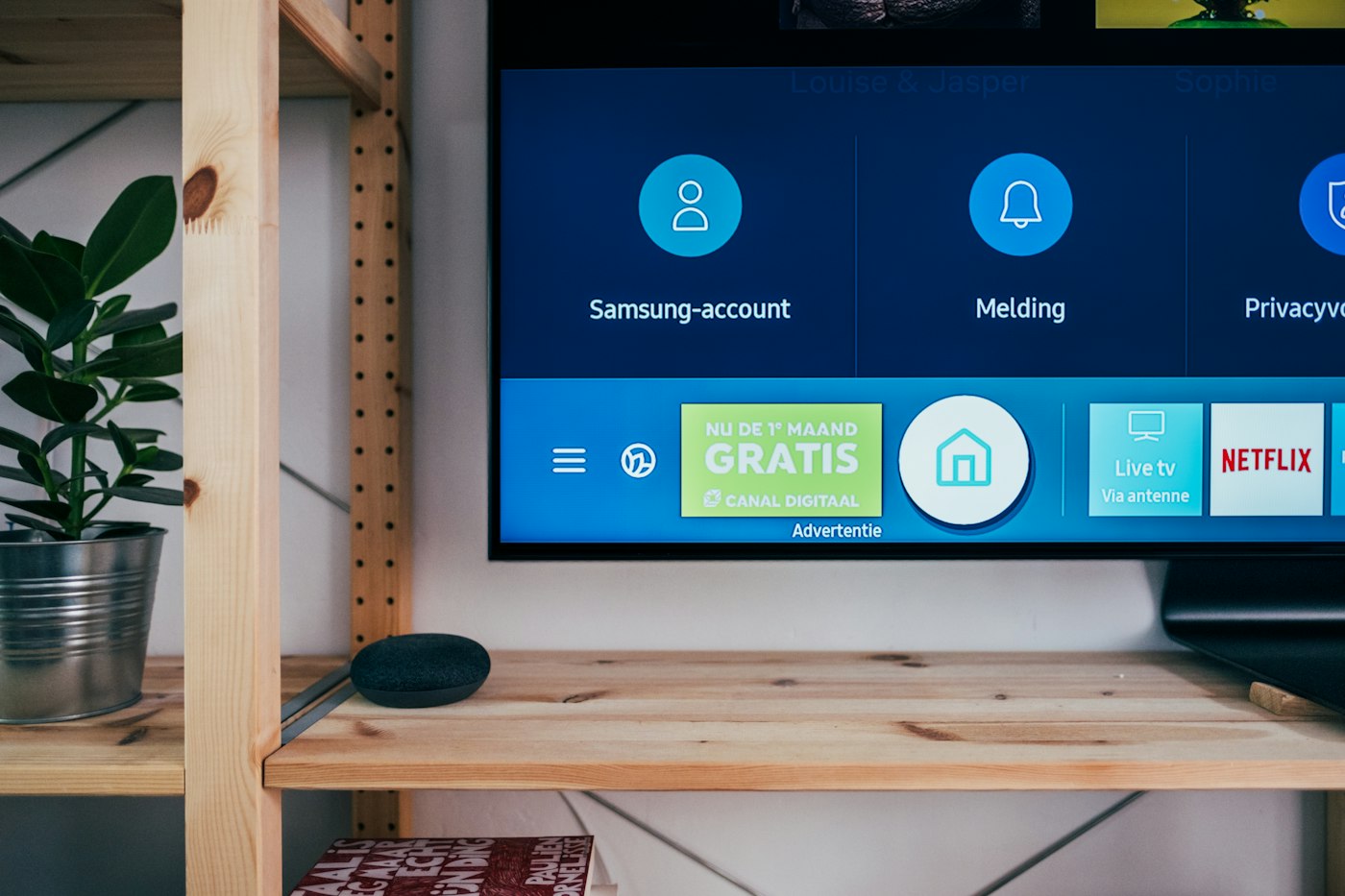
Put each file, or a design, into a layout. A playlist is a list of those layouts, each with its own seconds.
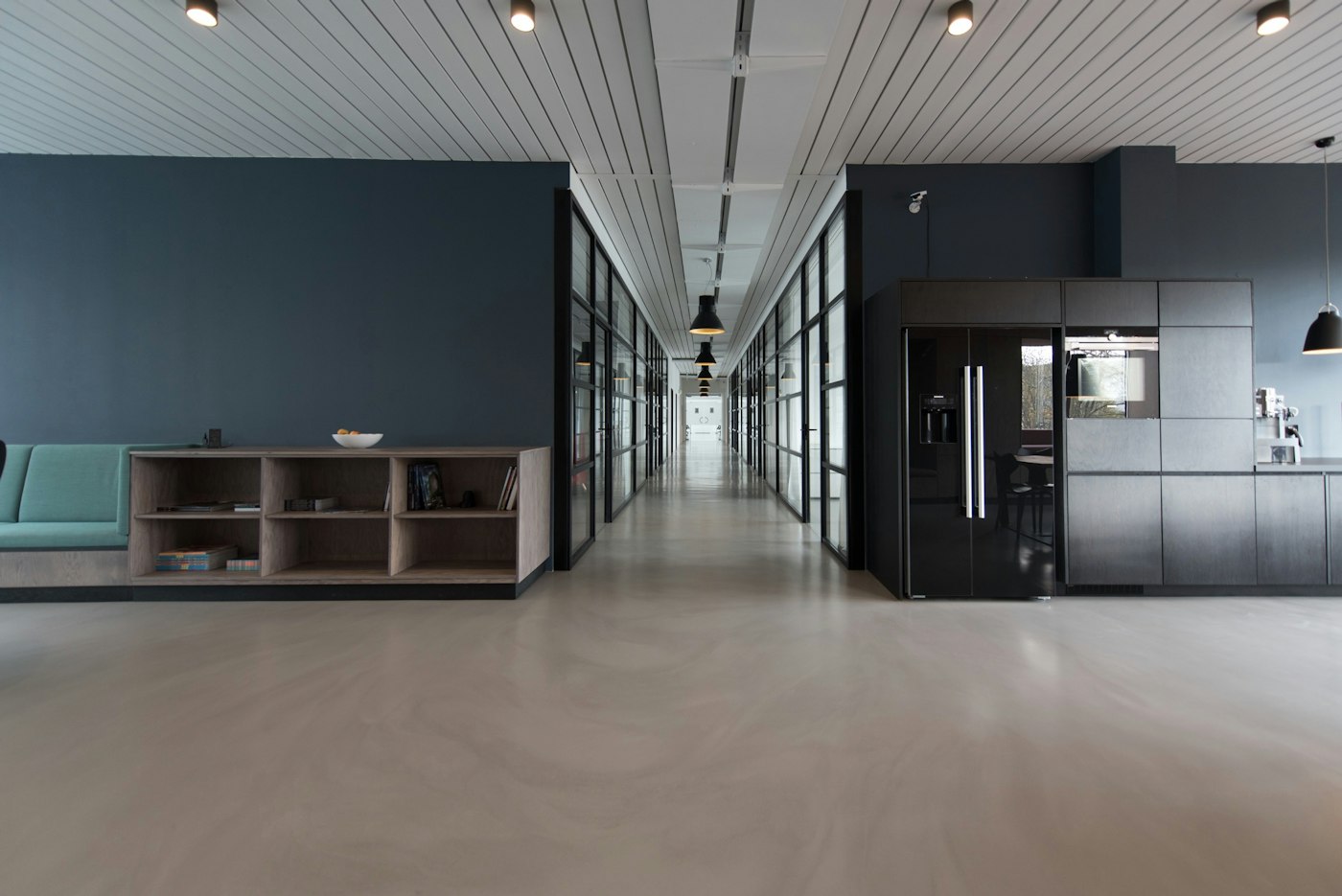
Pair the screen and choose the playlist. Reload the screen from the desk when you want it to pick up a change now.
Pair each television, then point it at the same playlist. A later edit follows the next check-in.
A layout can hold up to four zones. One zone can be the offer. Another can be a clock or a short notice.
JPEG, PNG, WebP, GIF, and MP4 can go in the library. A picture hosted on another site can be linked. You supply the file.
A browser on the screen is enough. Installable players exist for Android, Windows, Fire TV, LG webOS Signage, and Samsung Tizen.
JPEG, PNG, WebP, GIF, and MP4. A picture that already lives on another site can be linked instead of uploaded.
Each layout in the playlist has its own number of seconds. The next layout starts when that time ends.
Yes. A layout can have up to four zones. Each zone holds one library item.
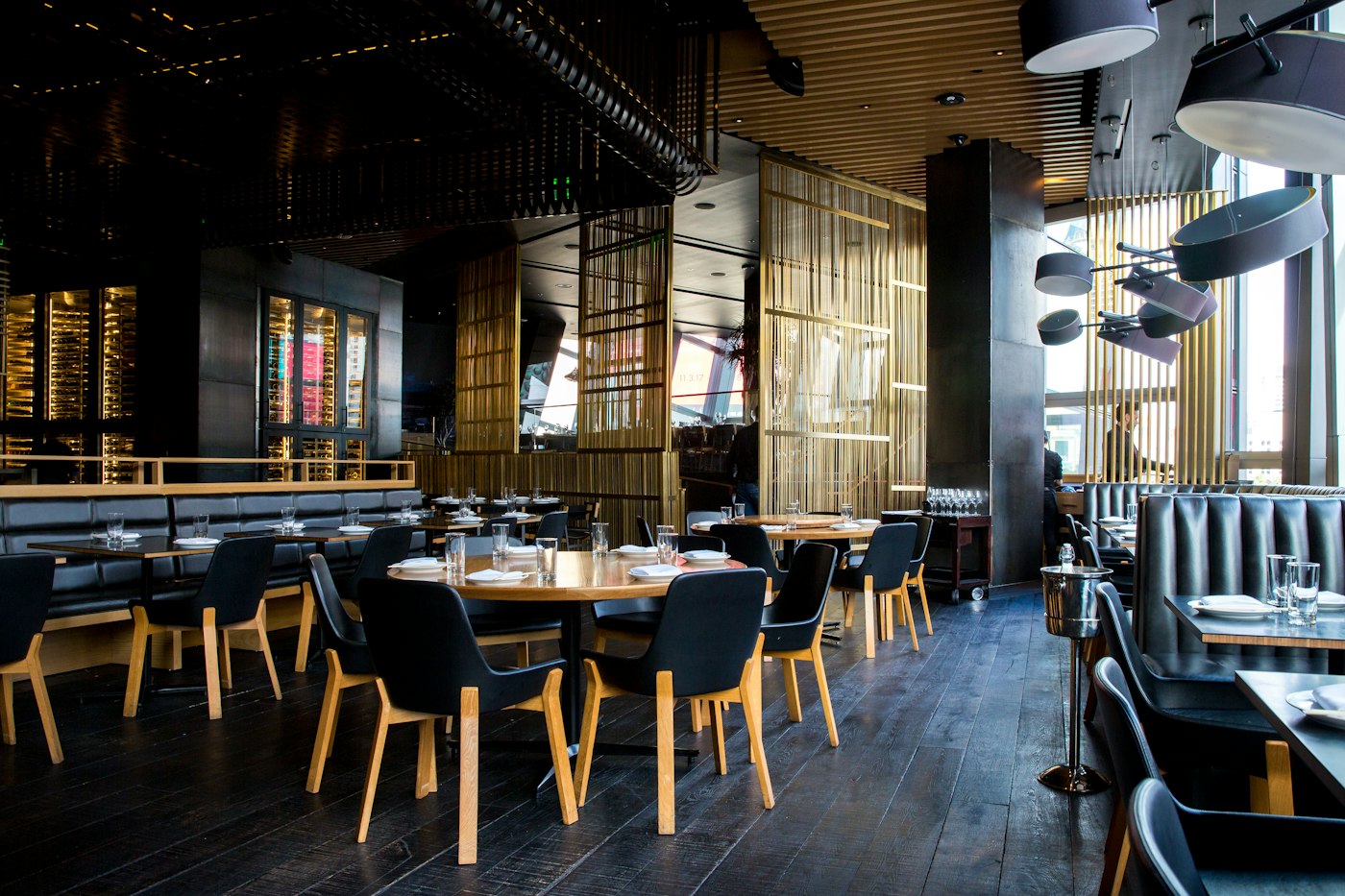
Show the dishes, the prices, and the meal that matches the hour. When a price changes, you change it on the desk and the paired screens follow.

Put a short line on the screen, or a longer note as a text slide. An emergency line can sit over the playlist. People still read it on the screen you placed there.
A screen can keep your own playlist and also carry a slot you offer to someone else. You choose the price, the hours, and whether to accept the request.
The desk is where you add files, build playlists, pair screens, and see whether a screen has checked in. The television only plays what you assigned.
The player opens the pair page, shows a code, and stays on the screen after you claim it. The desk address is already filled in. You do not type a device name.