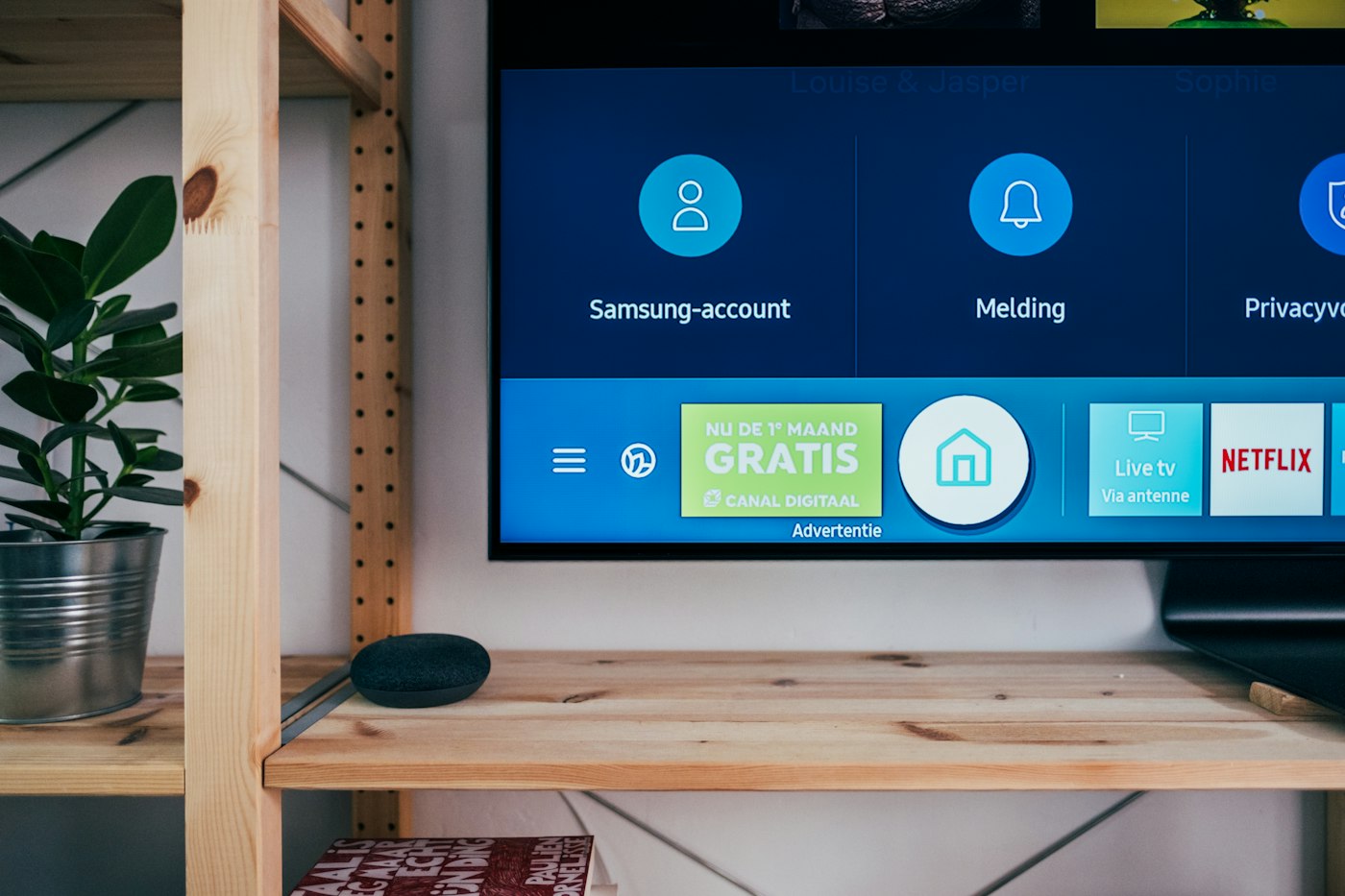
Create the account
The trial form asks what the screens show. That choice opens the fields for that room. You can still use the rest of the library.
Product
The desk is where you add files, build playlists, pair screens, and see whether a screen has checked in. The television only plays what you assigned.
The trial form asks what the screens show. That choice opens the fields for that room. You can still use the rest of the library.
Add layouts. Each layout has its own seconds. Assign the playlist to a screen.
Roles decide who can change what plays. The player on the television does not need a person signed in.
You change the playlist once. Each paired screen that has that playlist picks it up on the next check-in.
A screen with the player open checks in. The desk shows it online, or the last time it was seen.
Fourteen days, no card to start. The sample library, layouts, and playlists are included so you can pair a screen before you bring your own files.
If a paid plan ends, the screens and the library stay listed. Playing waits until the plan is renewed. The desk does not delete them for you.
No. The trial is 30 days. You can pair a screen during the trial. Paid plans are listed in rupees on the plans page.
The screens and the library stay on the account. The player waits instead of continuing on a lapsed plan. Renewing brings the assigned playlist back.
Yes. You invite people and give them a role. The role decides what they can change.
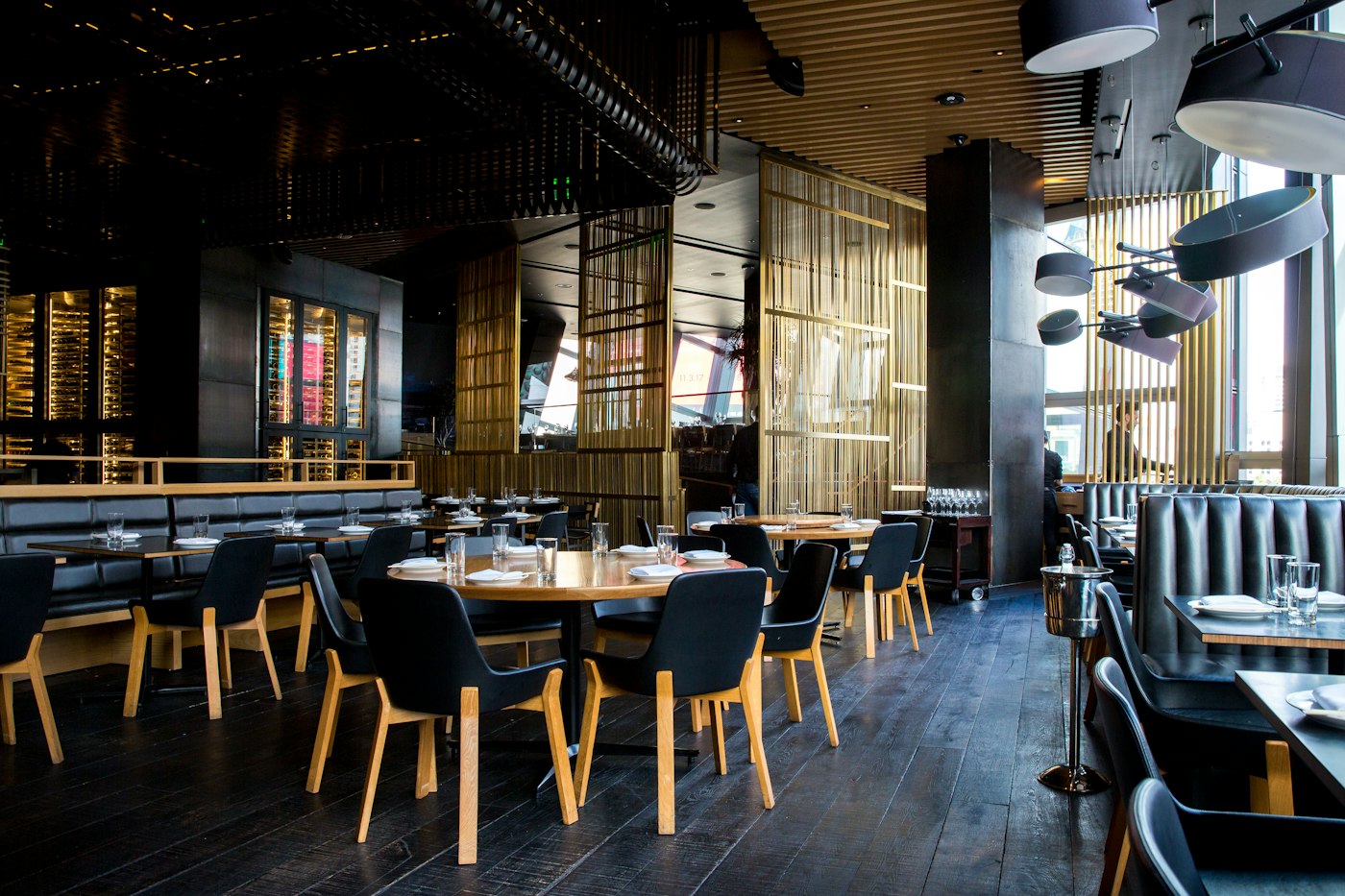
Show the dishes, the prices, and the meal that matches the hour. When a price changes, you change it on the desk and the paired screens follow.
A display board is a playlist of the pictures, videos, and layouts you put in the library. The screen you already own plays that list.

Put a short line on the screen, or a longer note as a text slide. An emergency line can sit over the playlist. People still read it on the screen you placed there.
A screen can keep your own playlist and also carry a slot you offer to someone else. You choose the price, the hours, and whether to accept the request.
The player opens the pair page, shows a code, and stays on the screen after you claim it. The desk address is already filled in. You do not type a device name.