Open the player
Use the browser, or install the player for that screen. The pair page is the first page.
Product
The player opens the pair page, shows a code, and stays on the screen after you claim it. The desk address is already filled in. You do not type a device name.
Use the browser, or install the player for that screen. The pair page is the first page.
On the desk, open Screens and enter the code. The screen then stays on its player page.
Closing the player stops the hold. A screen that stays open checks in and plays the assigned playlist.
Open the pair page, read the code, and type it on the desk. Leave that page open. Commercial displays can open the same address when they power on.
The Android app also covers many tablets, Fire TV devices on Fire OS 6 or later, and Android TV. Windows is one program. LG is a webOS Signage package. Samsung is a Tizen widget.
Each player opens the Pulse 360 pair page. You do not type the desk address, a device name, or a location.
The player asks the screen for permission to share its place. If you decline, the desk still records a device label and shows Not shared for the place.
No. A browser that can open the pair page is enough. Install a player when the screen is easier to run that way.
Not until that television's DUID is on a Samsung certificate. The widget on the desk is signed for development. A set that is not on the certificate will refuse it.
It can share the screen's place after you allow it, so you can see where that screen is. Audience sensing is a separate choice on the screen, and it stays off until you turn it on.
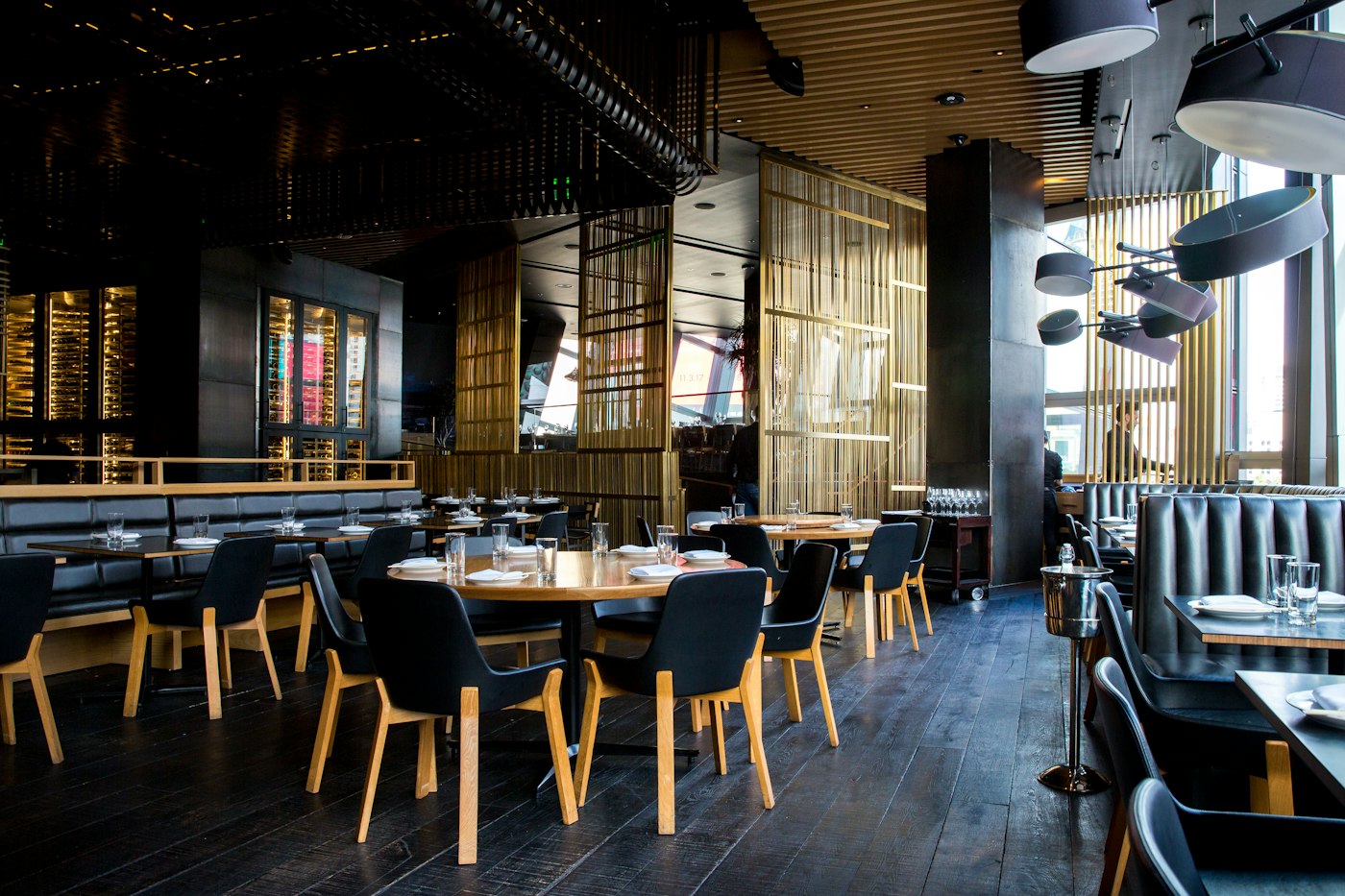
Show the dishes, the prices, and the meal that matches the hour. When a price changes, you change it on the desk and the paired screens follow.
A display board is a playlist of the pictures, videos, and layouts you put in the library. The screen you already own plays that list.

Put a short line on the screen, or a longer note as a text slide. An emergency line can sit over the playlist. People still read it on the screen you placed there.
A screen can keep your own playlist and also carry a slot you offer to someone else. You choose the price, the hours, and whether to accept the request.
The desk is where you add files, build playlists, pair screens, and see whether a screen has checked in. The television only plays what you assigned.