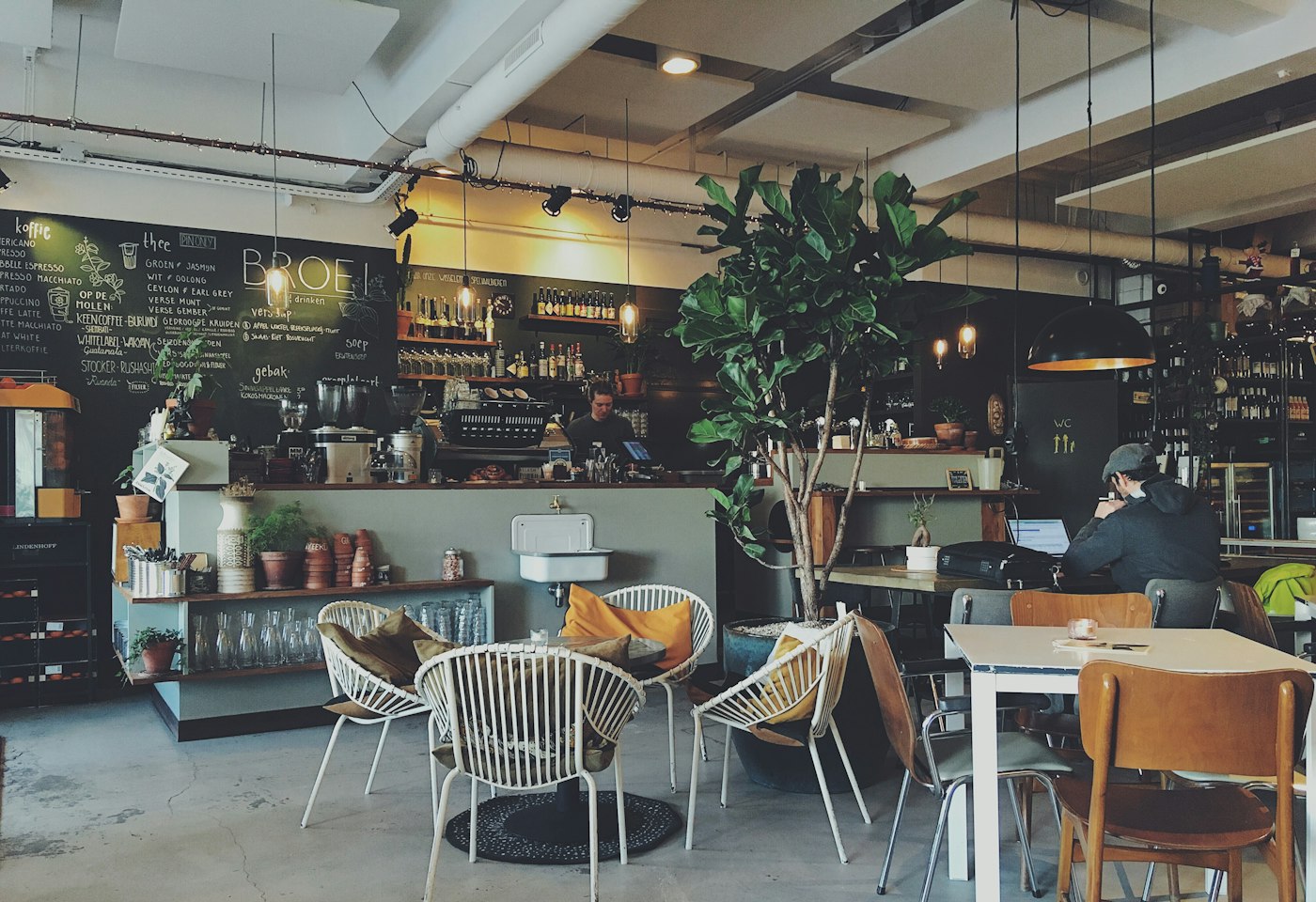
Open the desk
Start a trial and choose Smart Menu when the form asks what the screens show. That choice shows the menu fields.
Product
Show the dishes, the prices, and the meal that matches the hour. When a price changes, you change it on the desk and the paired screens follow.
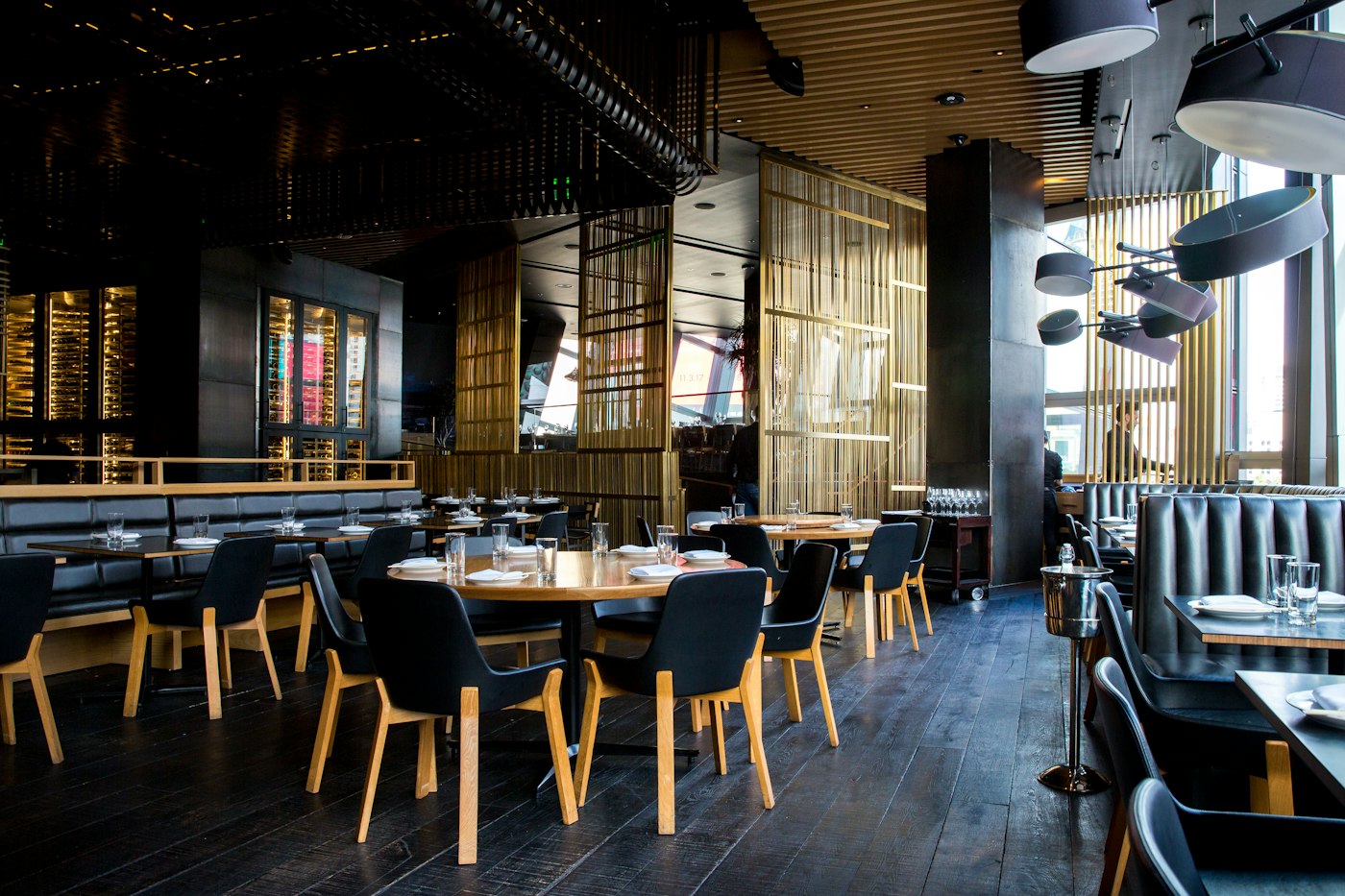
Start a trial and choose Smart Menu when the form asks what the screens show. That choice shows the menu fields.
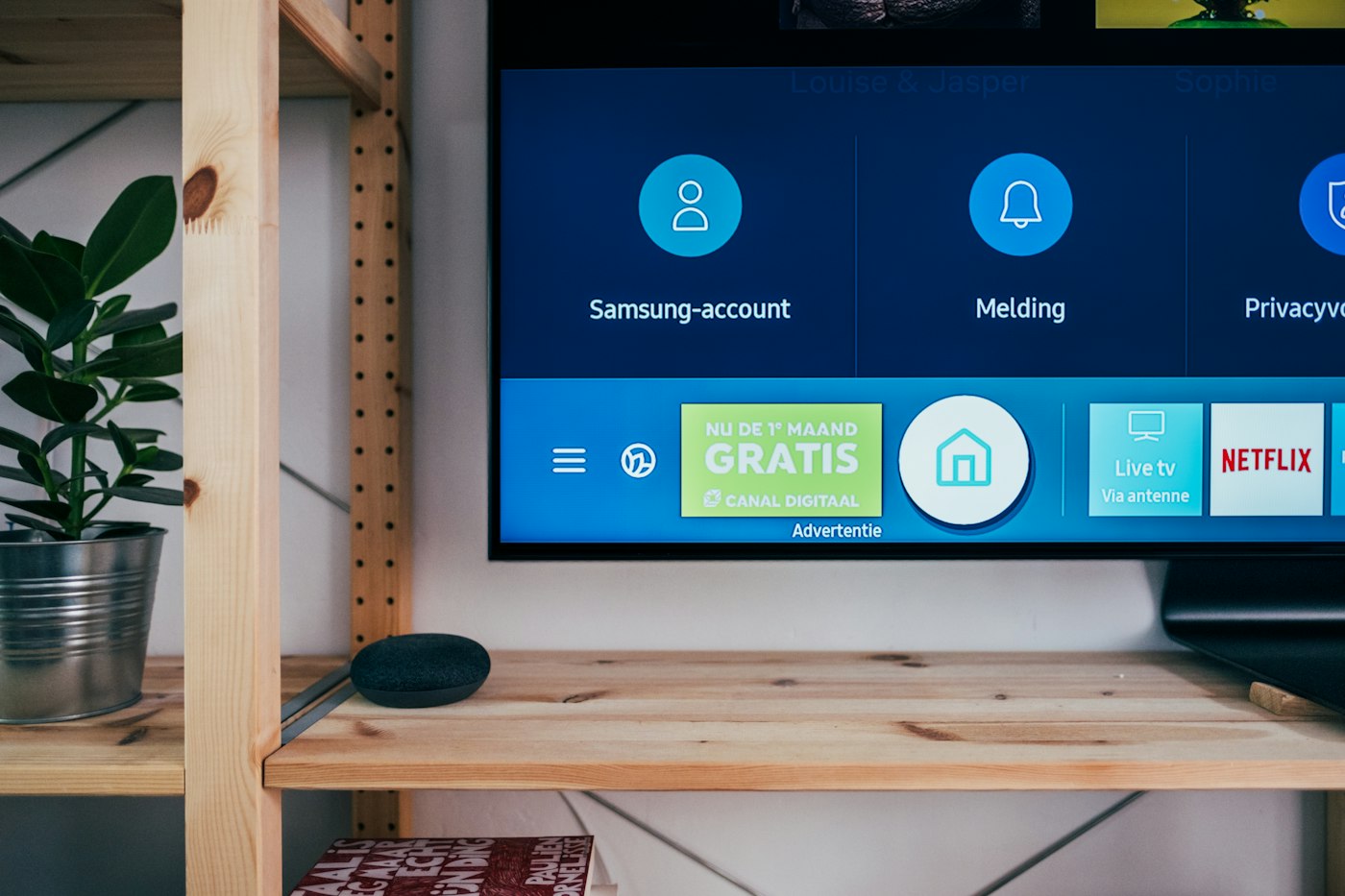
Write a text slide, build a design, or use a menu board in the library. Put those layouts in a playlist.
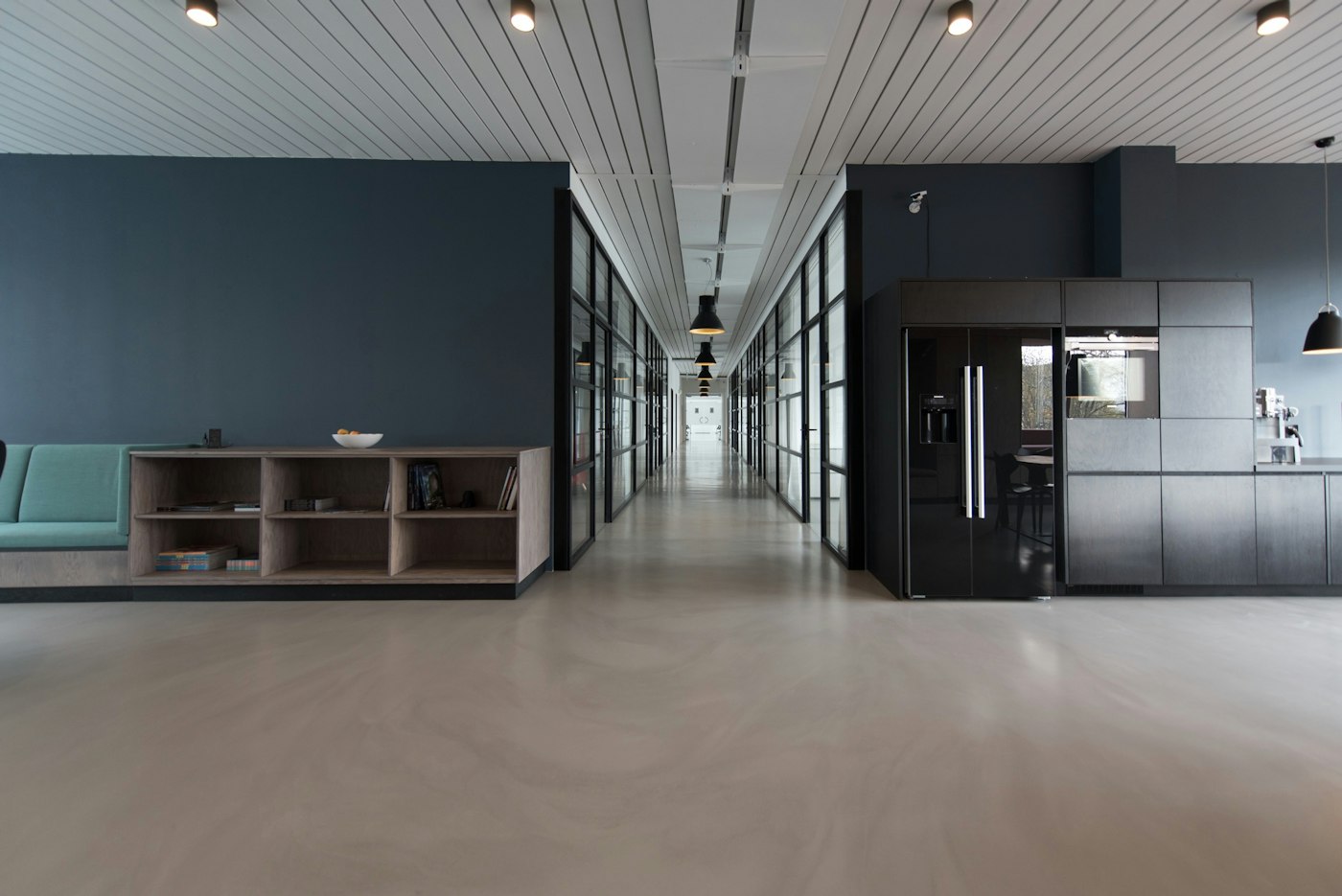
Open the player, type the code on the desk, and leave that page open. The same playlist can go on another counter.
A schedule can switch the playlist for breakfast, the lunch rush, and the evening close. An overnight window can run through midnight.
A design holds the dish, the price, and a short line. A layout can put the menu in one zone and a picture in another.
The dishes, the prices, and the offer are yours. The desk shows them. It does not take the order and it does not take the payment.
Account sets how many days of the schedule a player stores. The default is 7. A stored schedule keeps playing when the connection drops. A web page or a live camera stops until the connection returns.
Yes. Give each part of the day its own playlist and put them on a schedule. The screen follows the schedule while the player stays open.
A player that has stored the schedule keeps it for the days set on Account, 7 by default. A web page, YouTube video, call, or live camera stops. After that horizon the last schedule stays up. Samsung and LG browsers may store less.
Yes. Pair each screen, then assign the same playlist. A change on the desk reaches each screen the next time it checks in.
A display board is a playlist of the pictures, videos, and layouts you put in the library. The screen you already own plays that list.

Put a short line on the screen, or a longer note as a text slide. An emergency line can sit over the playlist. People still read it on the screen you placed there.
A screen can keep your own playlist and also carry a slot you offer to someone else. You choose the price, the hours, and whether to accept the request.
The desk is where you add files, build playlists, pair screens, and see whether a screen has checked in. The television only plays what you assigned.
The player opens the pair page, shows a code, and stays on the screen after you claim it. The desk address is already filled in. You do not type a device name.