Open the player
On the television, open the pair page in a browser or start the installed player.
Resources
The player shows a code. You type that code on the desk. After that, the screen plays the playlist you assign and checks in while the player stays open.
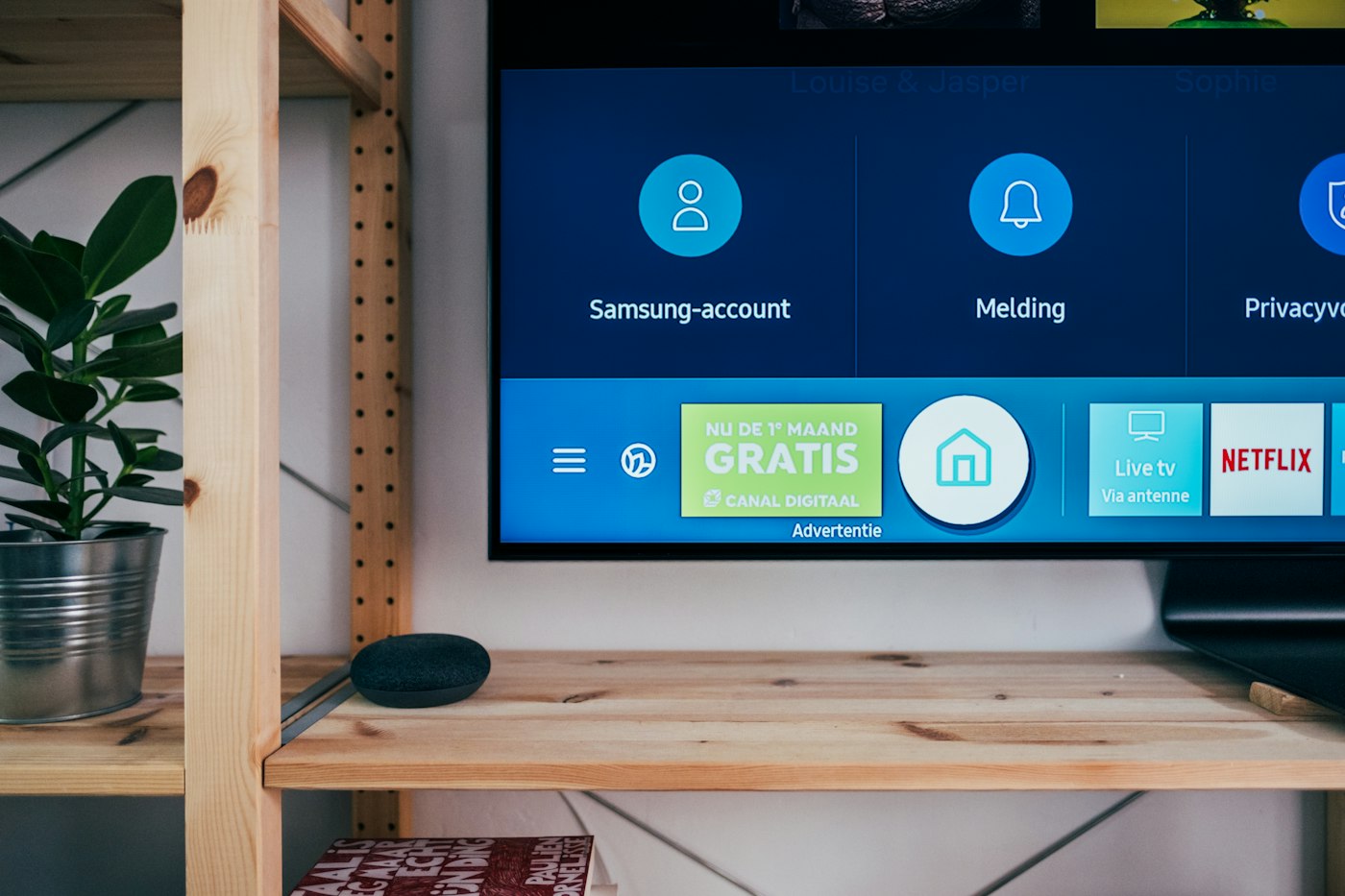
On the television, open the pair page in a browser or start the installed player.

On the desk, go to Screens and type the code. The screen joins this account.

Choose what that screen plays. You can change it later without walking back to the screen.
You do not type a serial number. The player makes a code, and the desk claims it when you enter that code.
The pair address is already in the player. Device name and place are read after a permission prompt. There is no form for them.
While the player is open, the desk can show it online. A quiet screen shows the last time it was seen.
Download HTML on the screen page when the television should play from a folder, without checking in.
On the desk, under Screens. The code is on the television. You type it once.
The screen stops playing and stops checking in. Open the player page again. The pairing remains. You do not need a new code unless the player was reset.
The desk can be used from a phone browser. The player itself should stay on the television. The phone companion is for notices, not for playing the playlist on the TV.
A playlist is a list of layouts. A layout holds one or more library items. A new account includes sample pictures, layouts, and playlists so you can see a screen play before you upload your own files.
The trial uses the same desk as a paid plan. The large price is the list price in rupees. A launch price, when one is saved, is the line underneath. You do not enter a card to start the trial.

Short answers to the questions that decide whether this desk fits. The longer manual, with every button name, is in Help.