Start the trial
Create the account. The form asks what the screens show. That choice is the pack, not a different product.
Resources
The trial uses the same desk as a paid plan. The large price is the list price in rupees. A launch price, when one is saved, is the line underneath. You do not enter a card to start the trial.
Create the account. The form asks what the screens show. That choice is the pack, not a different product.
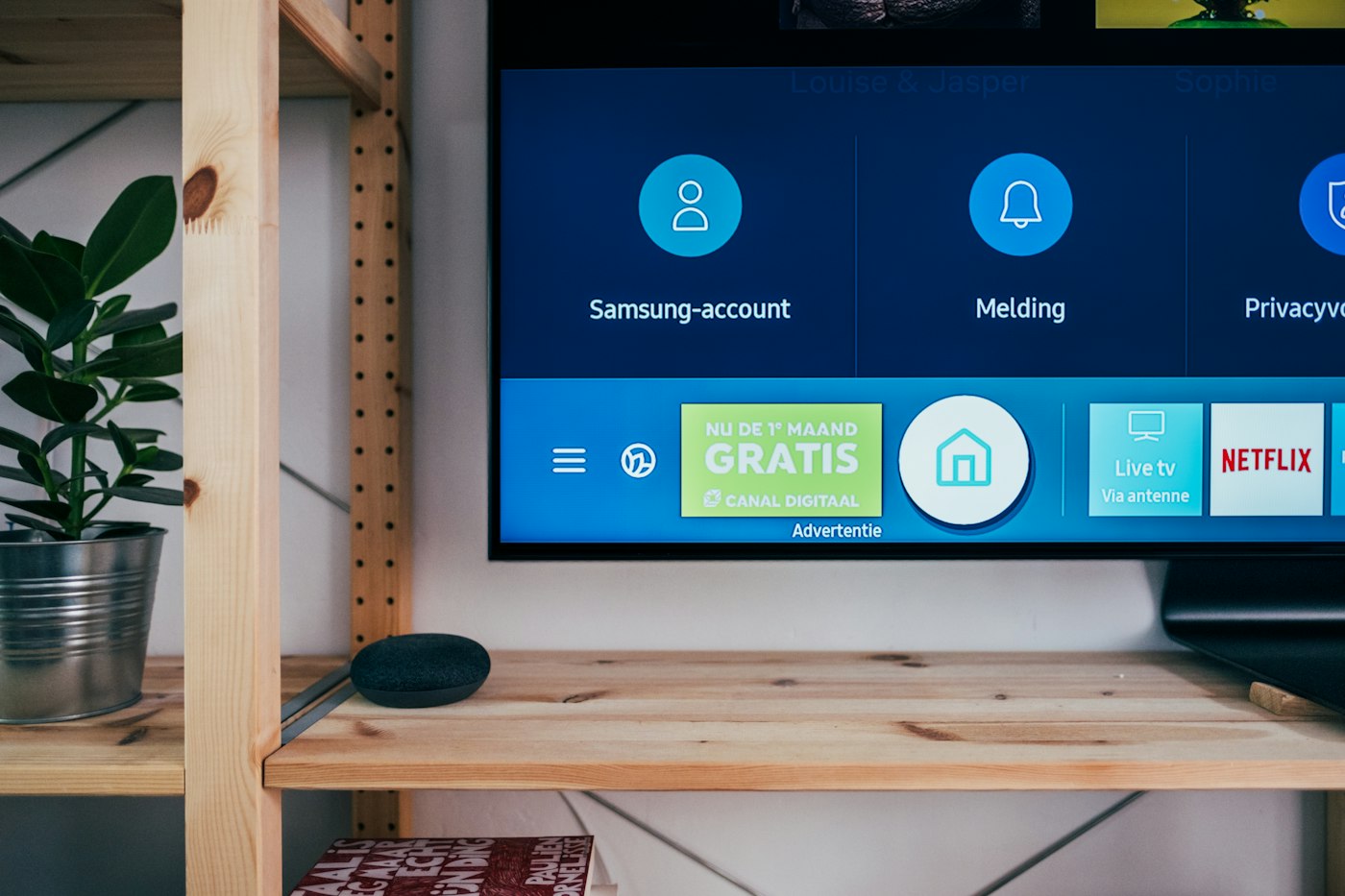
Use the sample playlist or your own. Confirm the television plays it.

Choose Starter or Growth on the account. For Enterprise, write to the studio.
You can upload a file, build a playlist, and pair a television before you choose a paid plan.
The large figure is the list price stored for the plan. When a launch price is saved, the line under it is the amount for the first months, then the list price. There is no separate dollar price list. Starter and Growth are paid from the plan page by UPI or card. Enterprise stays on an invoice.
Each plan has a screen count, storage, and a monthly remote-camera allowance. The trial has no remote-camera minutes.
The account, the library, and the screen list remain. The player waits until the plan is renewed.
Free for 30 days
5 screens. 2 GB.
Pair a few screens and learn the desk before you commit.
₹2,999 a month
₹2,499 for the first 3 months, then ₹2,999 a month.
10 screens. 5 GB.
A shop, a clinic, or a small office network.
₹14,999 a month
40 screens. 25 GB.
Many locations, one playlist library.
Talk to us
Custom screen count. Custom storage.
A private limit, a rollout, and someone on the phone.
Prices are exclusive of GST (18%). Launch rates are for the first 100 paying customers; then standard rates apply. Enterprise has no listed monthly price. Starter and Growth are paid from the plan page by UPI or card. Enterprise stays on an invoice.
No. The trial starts without a card. It lasts 30 days.
No. The plans are priced in rupees and exclusive of GST. The large figures on this page are the list prices stored for this desk.
Yes. The large price is the monthly list price. When a launch price is saved, the line under it applies for the first months, then the list price returns. Enterprise does not have a listed monthly price. A yearly price is not listed.
The player shows a code. You type that code on the desk. After that, the screen plays the playlist you assign and checks in while the player stays open.
A playlist is a list of layouts. A layout holds one or more library items. A new account includes sample pictures, layouts, and playlists so you can see a screen play before you upload your own files.
Short answers to the questions that decide whether this desk fits. The longer manual, with every button name, is in Help.